
Releases
-
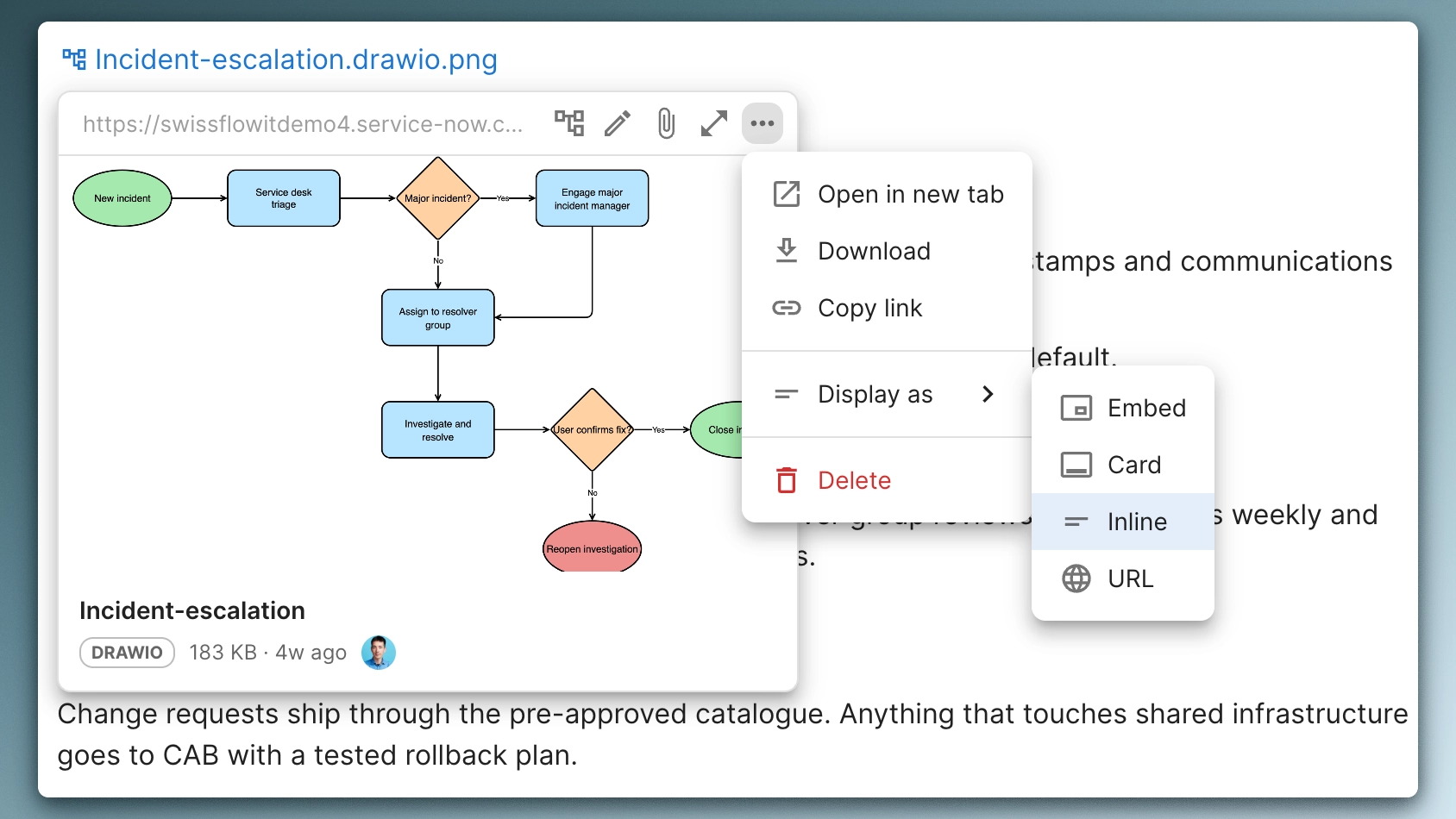
Documate August 2026: Link previews, Display modes & Paste to embed
Paste any link and choose chip, card or embed, switch the display whenever you like, and get link previews on hover. Every link now behaves the same way.
-

Documate July 2026: draw.io diagrams, Attachment viewer & Page design
Draw.io diagrams drawn right on the page, a redesigned attachments viewer, files inserted as you type and new page design options.
-

Documate June 2026: Page covers, Your own images & Gradients
Page covers are now yours to choose: search Unsplash from the editor, upload an image or paste a link, or pick a colour or gradient.
-

Documate May 2026: Instant tables & Table shortcuts
May is all about tables: a /table command now drops a ready 3×3, and new table shortcuts let you type any size from 1×1 to 10×10.
-
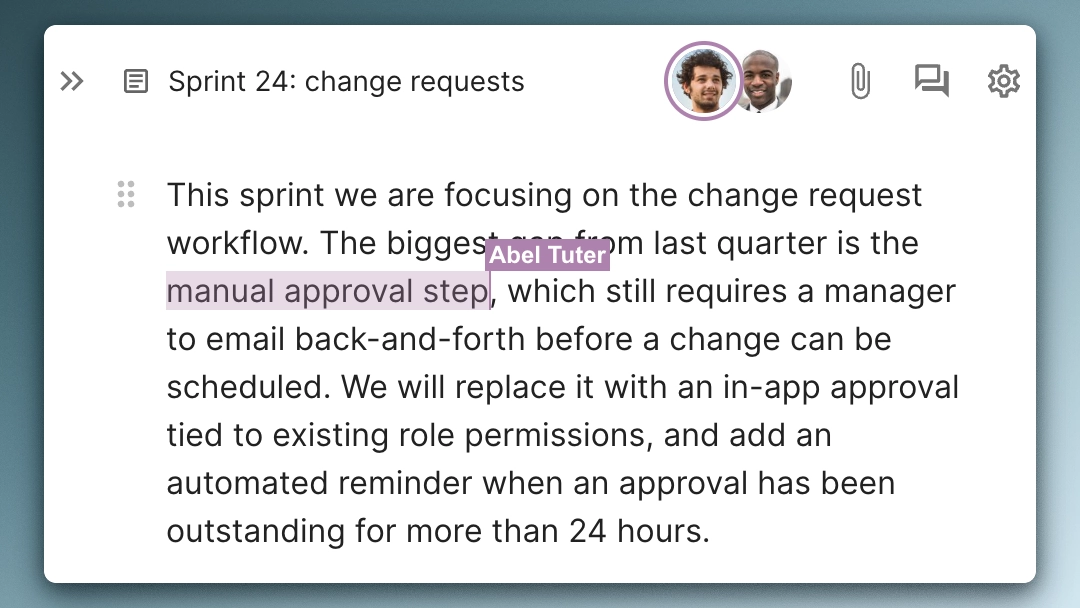
Documate April 2026: Markdown support, Live presence & Outline placeholder
Paste and type markdown directly in the editor, see who’s collaborating live, and get a friendlier outline panel on fresh pages.
-
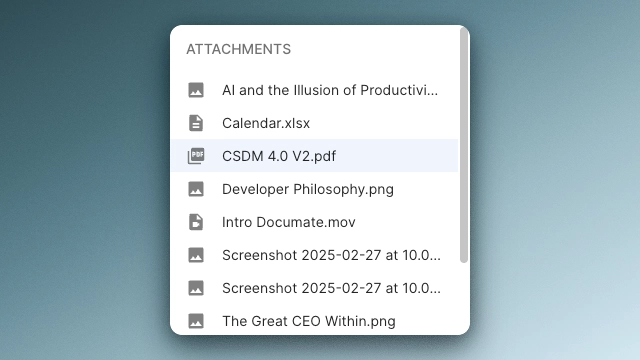
Documate March 2026: Link to block, Insert from attachments & Full-screen media
This month’s release makes it easier to share specific parts of a page, brings uploaded files directly into the editor, and adds a full-screen view for media. We’ve also shipped fixes to make everyday editing more reliable. Copy link to block Sharing a general page link often forces readers to scroll and hunt for the…
-
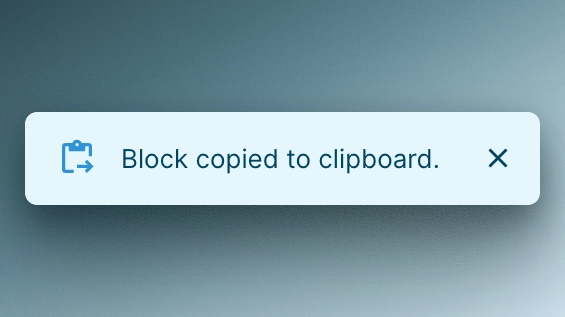
Documate February 2026: Sidebar resize & Block copy
Take control of your workspace layout and stop recreating the same content blocks from scratch — this month’s update has you covered.
-
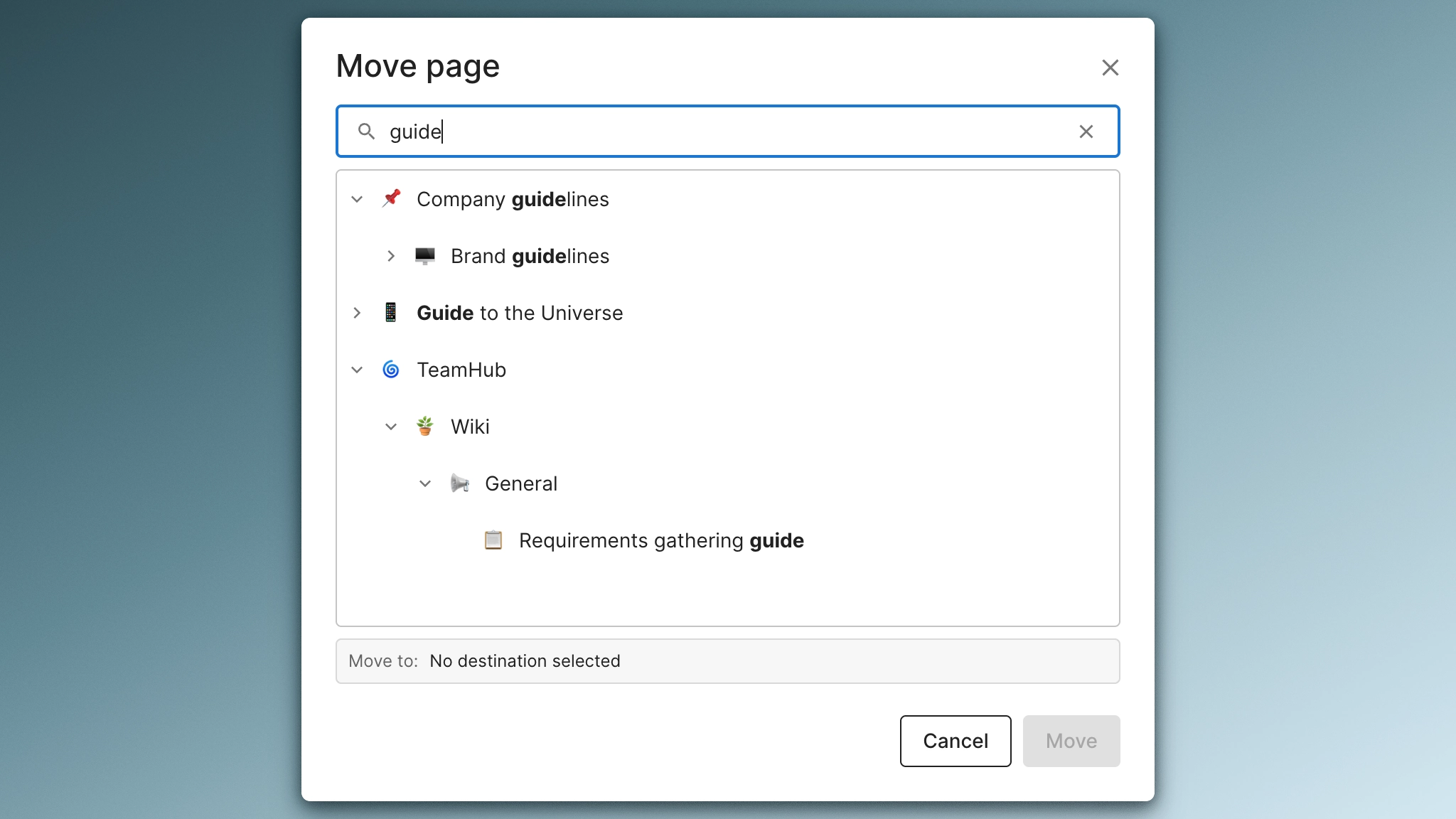
Documate January 2026: Full-screen attachments & Better move search
Get more out of your attachments and stop losing time hunting for pages — this month’s update makes both noticeably better.
-
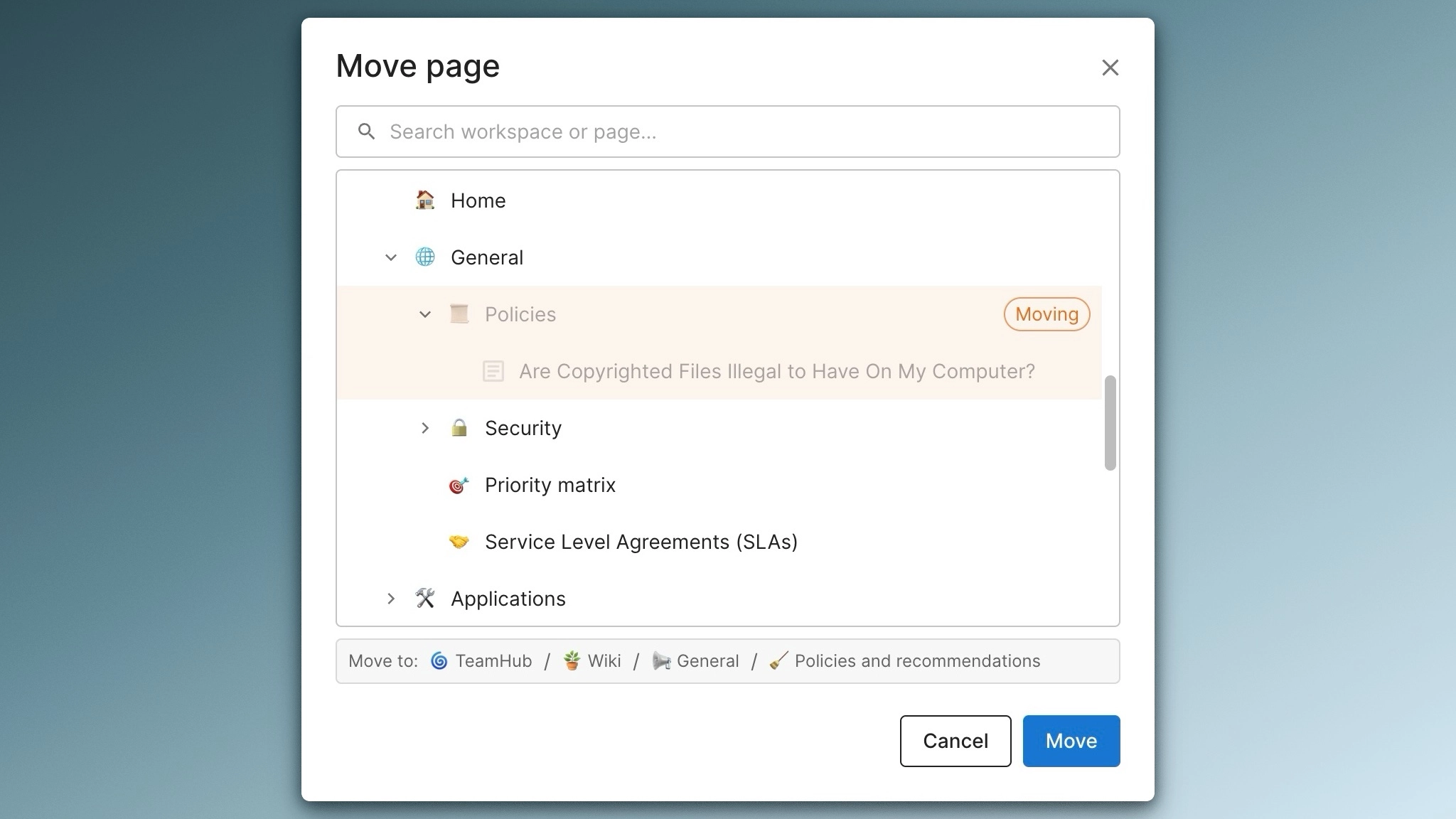
Documate December 2025: Move pages across workspaces
Move pages between workspaces instantly while keeping attachments, comments, and entire page hierarchies intact.
-
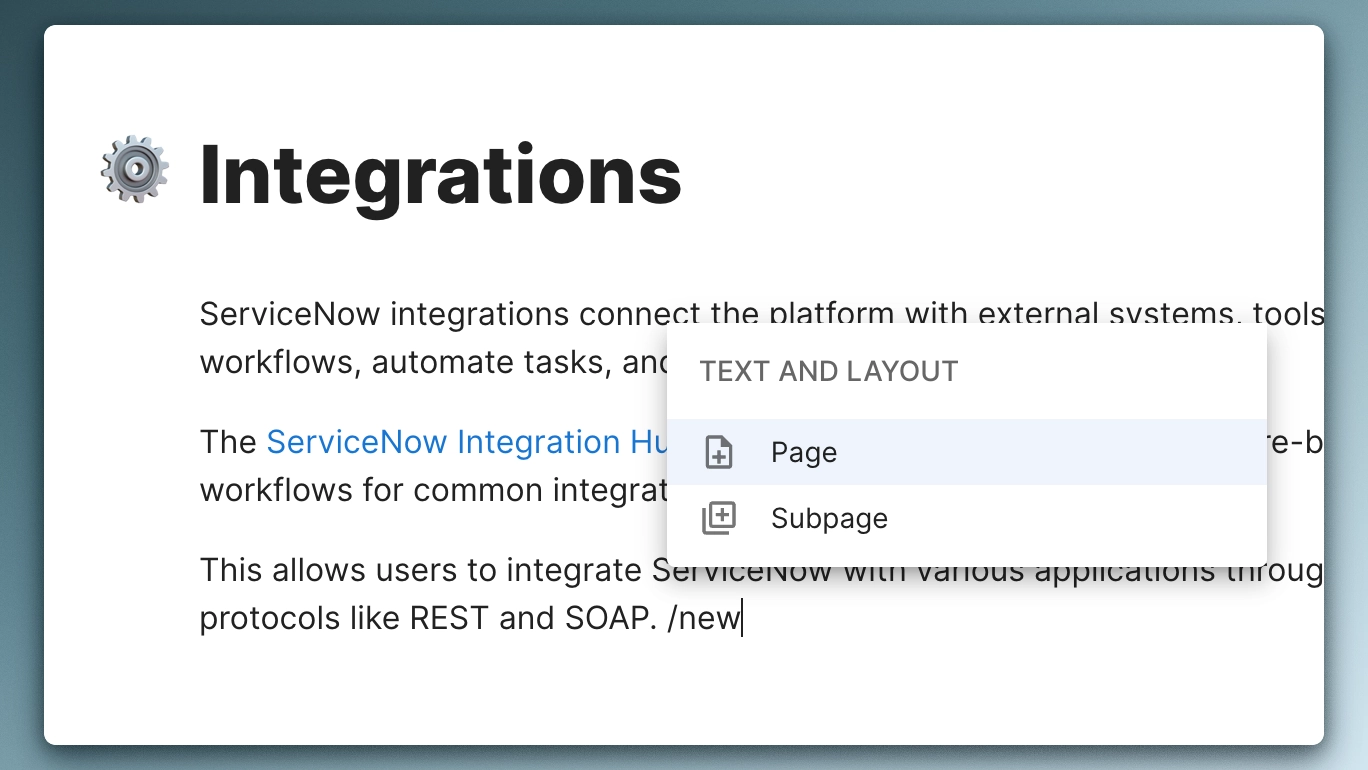
Documate August 2025: Audio player, Page creation shortcut & Multimedia size reset
With our August release, you can now embed audio files directly into your pages, use slash commands to create new pages instantly, and revert any media to its original size with one click.