
Your ServiceNow
command line
Search records, navigate modules and switch instances with a keyboard shortcut. Works on Mac and Windows. No browser required.
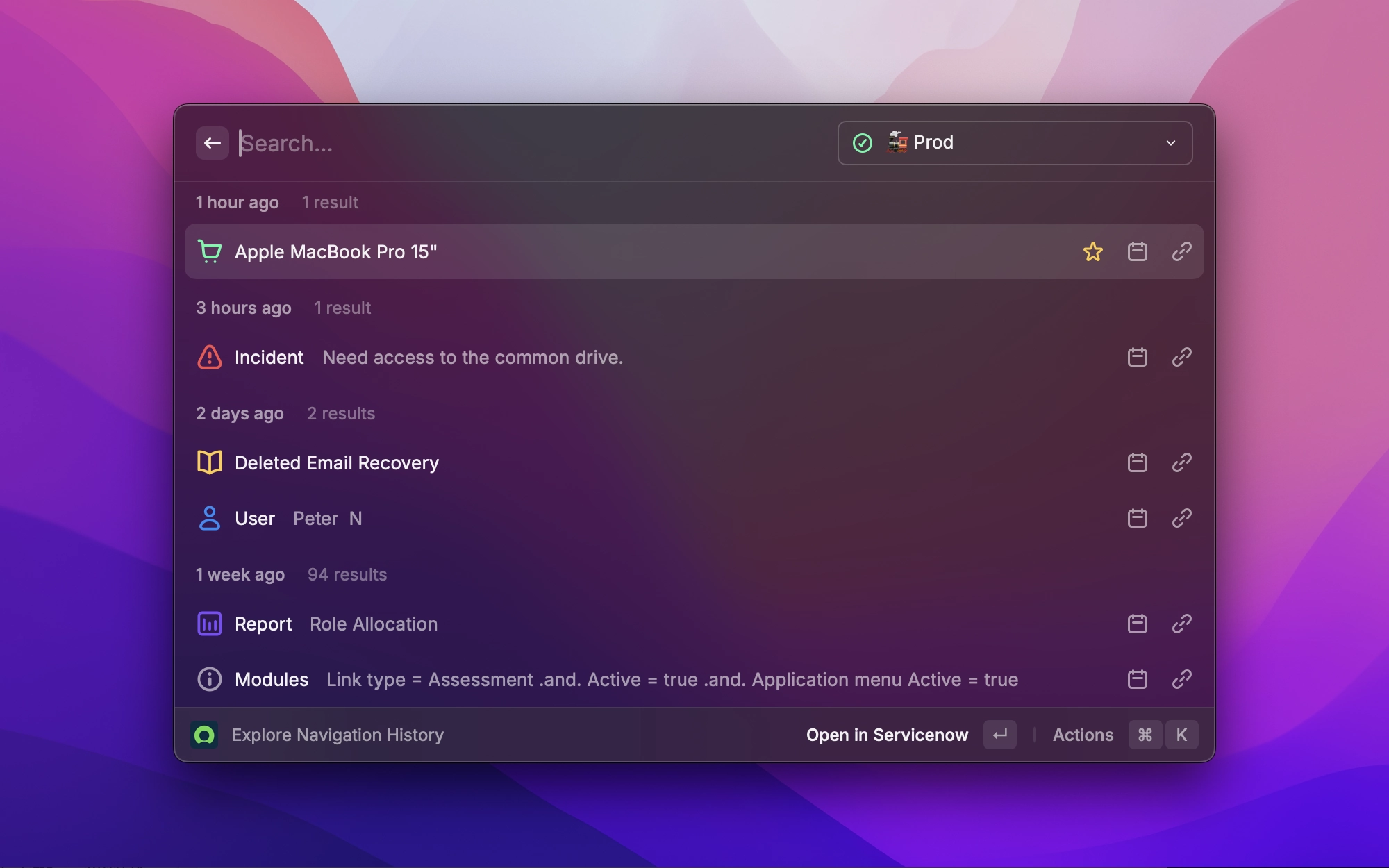
15 commands. Zero browser tabs.
Search records, look up sys_ids, find every reference to a record, cancel runaway transactions, explore tables, manage favourites. 15 commands, all in Raycast. Connect your instances once and everything is a keystroke away.
Free, open-source, and available on the Raycast Store for Mac and Windows.
Built for how you already work
The extension fits into your keyboard-driven workflow. Connect every client and environment, including FedRAMP and on-prem. Search from anywhere on your computer. Never wait for a page to load.
Instant results
Type a query, see matches. Search records, sys_ids and every reference, all streaming in as you type.
No context switch
Invoke from any app on Mac or Windows. Find what you need, then get back to what you were doing.
Multi-instance
OAuth 2.0 or Basic Auth per profile. Jump between clients, environments, FedRAMP and on-prem instances without logging in and out.
Search & explore
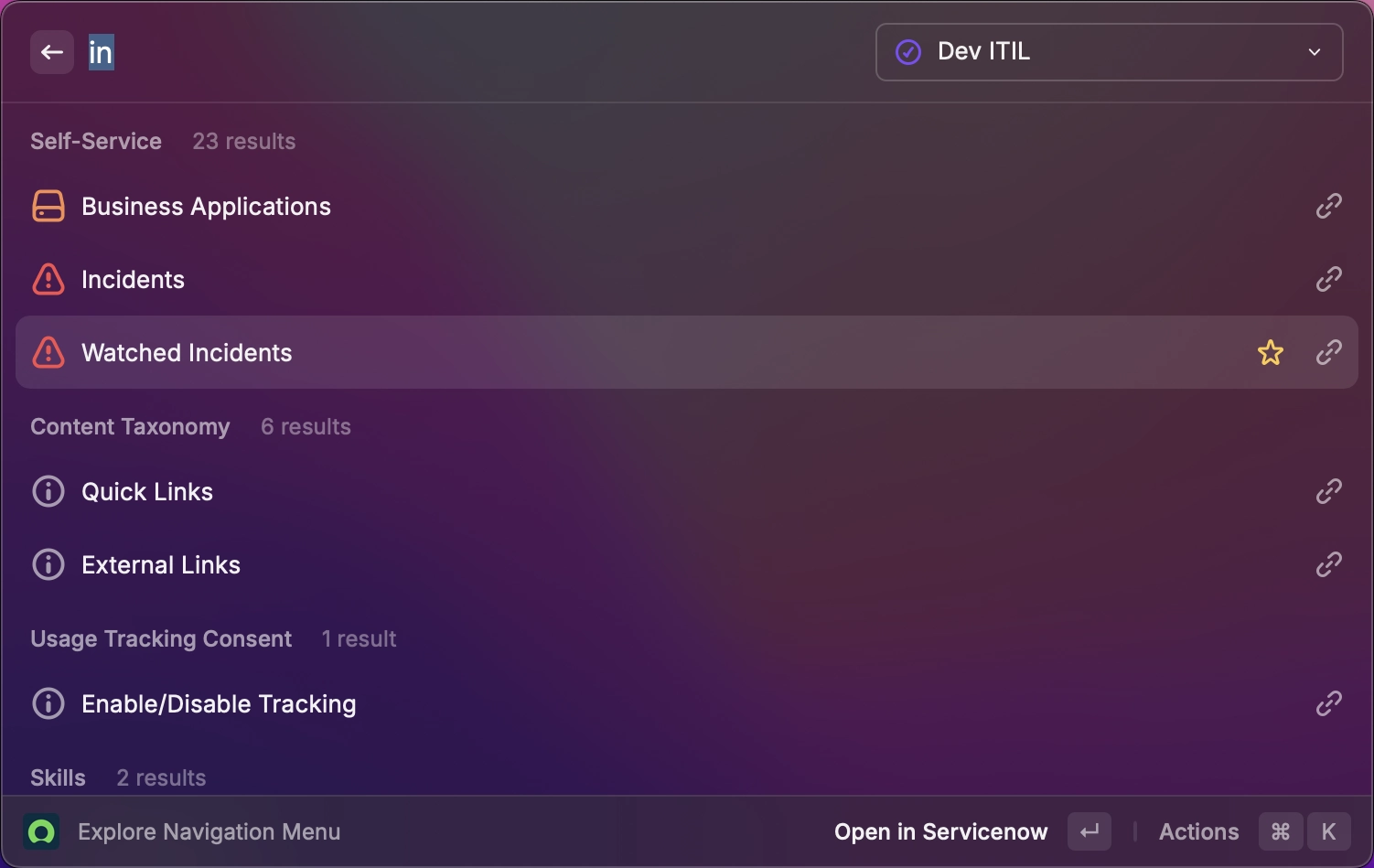
Find any record in seconds. Quick search, full-text search and direct sys_id lookups stream results as you type. Preview inline, then follow every reference to a record with Find Record References. No more clicking through related-list views.
Navigate with ease
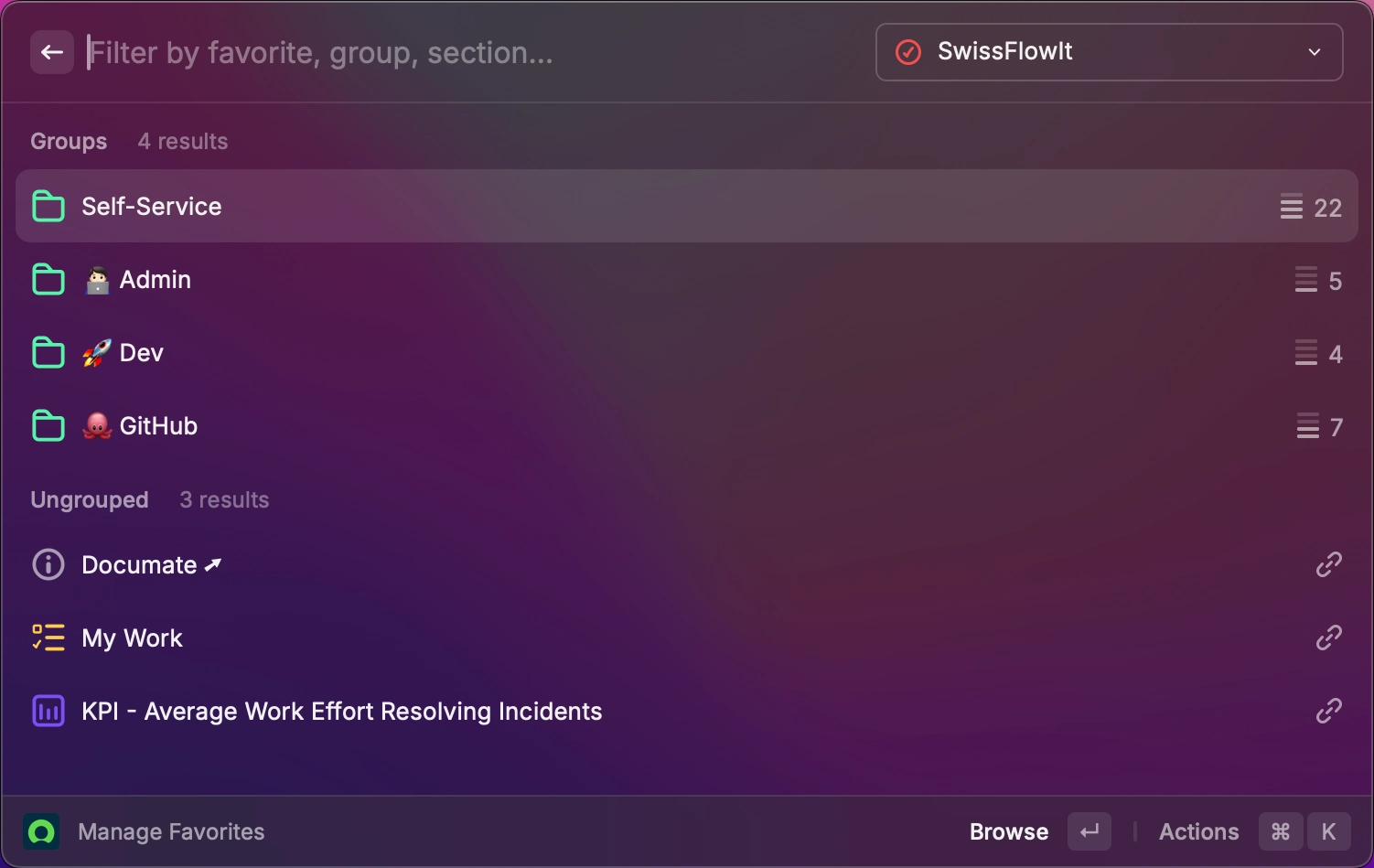
Open instances, modules and records straight from Raycast, on Mac or Windows. Browse your navigation history, manage favourites, and cancel a runaway transaction in one keystroke. All without touching ServiceNow’s UI.
Explore tables & resources
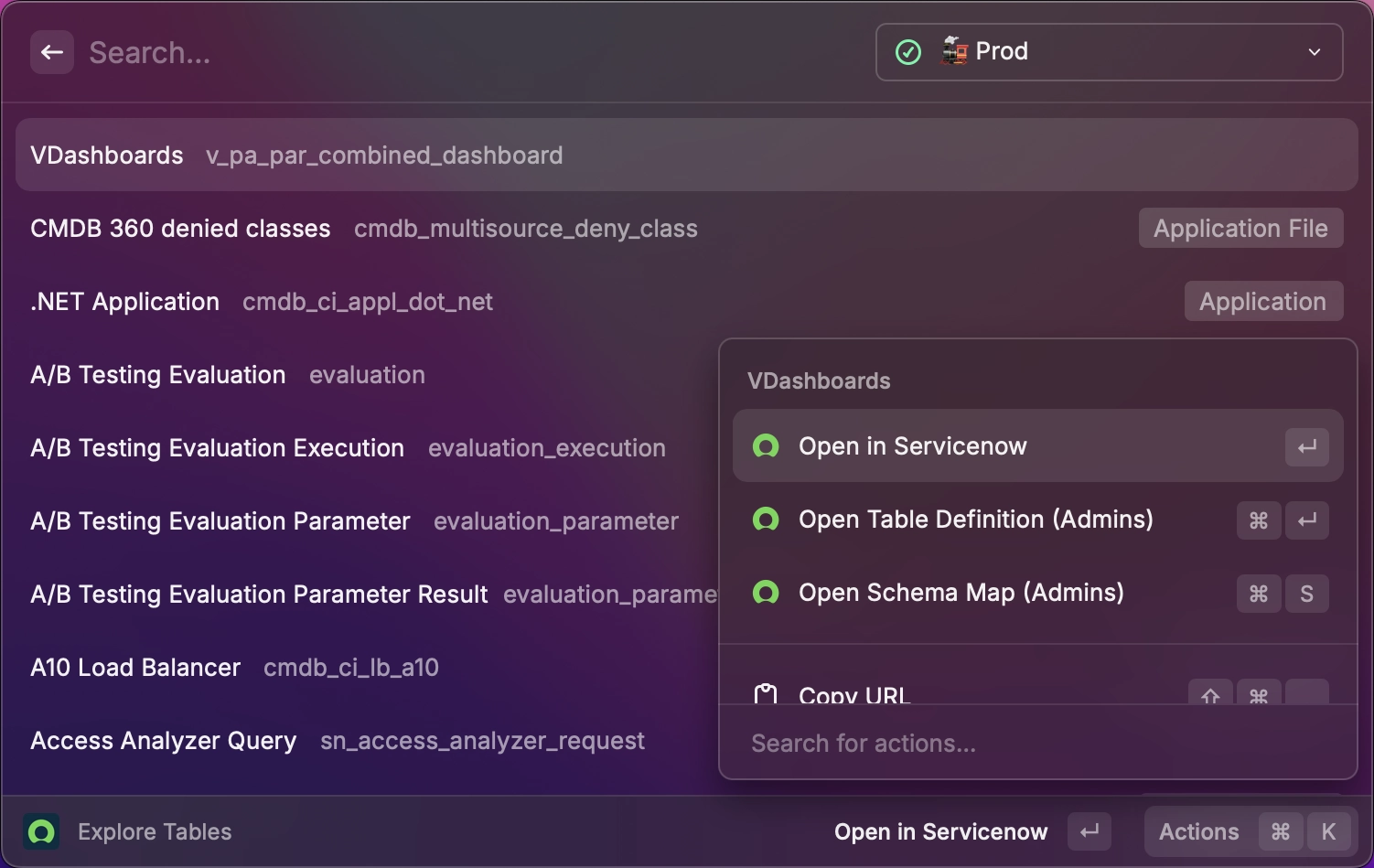
Browse any table: definitions, schema maps, and records with search, pagination and favourites. No browser needed. Search the Developer Portal alongside docs, blogs and guides from the same place. Built for developers and admins.
Frequently asked questions
Is it free?
Yes. The extension is free and open-source under the MIT licence, available on the Raycast Store. You don’t need a Raycast Pro subscription.
Does it work on Windows?
Yes. It runs on Mac and Windows. On Mac it reads the frontmost browser tab via AppleScript; on Windows it uses the Raycast Browser Extension’s getTabs() API.
What if my ServiceNow instance uses SSO?
Switch the profile to OAuth 2.0. It uses the PKCE flow with no client secret. Tokens stay in Raycast and refresh automatically, and every user signs in interactively to inherit their own ServiceNow roles. To register the Application Registry, import our Default OAuth Client update set, or override the Client ID per profile to use your own.
Do I need to be a ServiceNow admin?
Most commands work for any user. A few (like browsing every table) need the admin role, and non-admins start with limited access to their own search and navigation history. To open up the rest, install our ACLs for Non-Admin Users update set, downloadable in one click from the profile form. It grants REST-only access, with no changes to backend usage.
Does it work with FedRAMP or on-prem instances?
Yes. The Instance URL field accepts a subdomain like acme, a FedRAMP host on *.servicenowservices.com, or a full URL for an on-prem deployment.
Where are my credentials stored?
In Raycast’s local secure storage on your machine. Credentials never leave your computer, and SwissFlowIt never sees them.
How do I install it?
Install from the Raycast Store, connect at least one instance via Manage Instance Profiles, and run your first search. Setup takes about two minutes.
Try it. It's free.
Install from the Raycast Store, connect your instances, and run your first search in under two minutes.